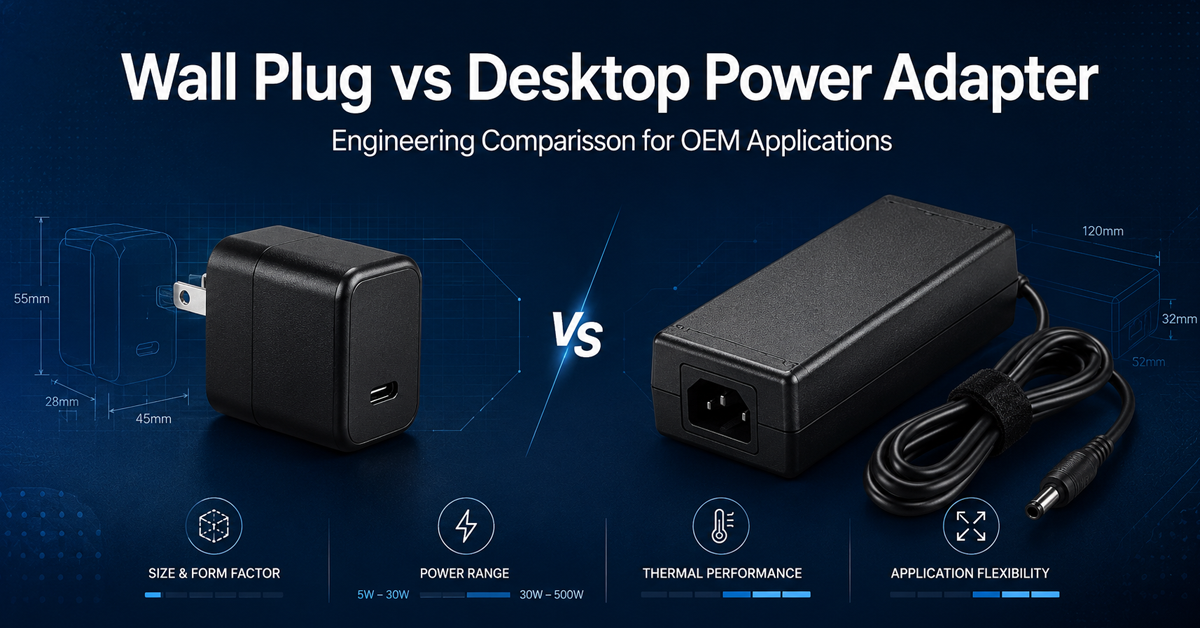
A wall plug adapter and a desktop adapter delivering the same 48W output share the same power conversion electronics at their core—but their physical design, thermal behavior, installation constraints, and application fit differ significantly. Choosing the wrong form factor can lead to thermal shutdowns in enclosed installations, certification delays for multi-market products, or unnecessary BOM cost for low-power systems.
This article provides an engineering comparison of the two form factors across six dimensions: power range, thermal management, certification approach, connector flexibility, installation, and total cost of ownership. The goal is to give OEM product designers and sourcing engineers a structured decision framework for form-factor selection.
What Are the Power and Size Limits of Each Form Factor?
The power range of each form factor is determined by thermal dissipation limits, safety agency spacing requirements, and the physical constraints of the enclosure.
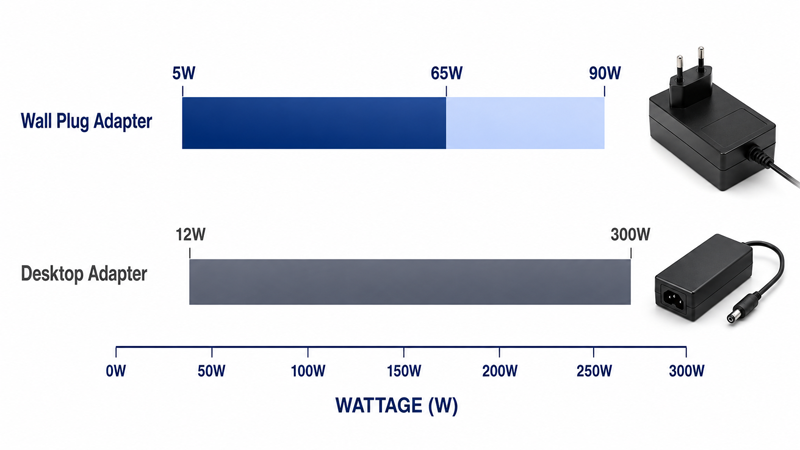
Wall plug adapters are practical in the range of 5W to approximately 65W, extending to 90W with larger plug housings. Above 65W, the heat generated by the power conversion circuit exceeds what the wall plug’s surface area can dissipate without exceeding 85°C case temperature under standard operating conditions. This is a practical thermal limit, not a theoretical one—the internal components of a 65W wall plug at full load typically reach 50–60°C case temperature in free air at 25°C ambient.
Desktop adapters span from 12W to 300W. The separate brick form factor provides significantly more surface area (typically 300–600 cm² versus 80–150 cm² for wall plug adapters) and allows for metallic enclosures that function as heat sinks. A 120W desktop adapter in an aluminum case dissipates approximately 8W of heat at 94% efficiency, maintaining a case temperature below 65°C in free-air at 25°C ambient.
Choose your primary voltage. 24V DC is the de facto standard for industrial control systems. 48V DC is used for higher-power applications such as servo motor systems and PoE++ network switches.
Apply the 20–30% power margin rule. Industrial power adapters should never run at 100% of rated capacity for extended periods. Example: a control cabinet with 4.2 A steady-state draw → 4.2 × 1.2 = 5.04 A → select a 6 A (144 W @ 24V) adapter.
Why This Matters
- Attempting to deliver 120W through a wall plug form factor results in case temperatures exceeding 90°C, tripping thermal protection or causing premature capacitor failure.
- The physical size difference is substantial: a 65W wall plug measures approximately 100×50×70mm, while a 120W desktop measures 175×72×39mm plus the AC cord.
- Desktop adapters above 150W typically require active cooling (internal fan) or enhanced heat sinking (cast aluminum, finned enclosure), adding 5–15mm to enclosure depth.
What OEMs Should Do Now
- For power requirements at or below 65W, evaluate whether the end product has a wall outlet available nearby and whether thermal dissipation in the installation location is adequate.
- For power requirements above 65W, select desktop form factor by default—attempting a wall plug design at higher wattages is a common engineering error.
- At the 60–90W overlap zone, evaluate thermal conditions: if ambient exceeds 35°C, prefer desktop even at lower power levels.
Q: Can a wall plug adapter deliver 100W in a compact form factor using GaN technology?
A: Yes, GaN-based wall plug adapters at 100W exist with case temperatures of 70–80°C at full load. However, thermal management in enclosed or daisy-chained outlet configurations remains a concern—free-air installation is required.
Q: What is the maximum practical power for a fanless desktop adapter?
A: Approximately 200W with an aluminum finned enclosure and adequate natural convection. Above 200W, forced-air cooling or enhanced thermal design is typically required.
Useful Links
How Does Thermal Performance Differ Between Wall Plug and Desktop Designs?
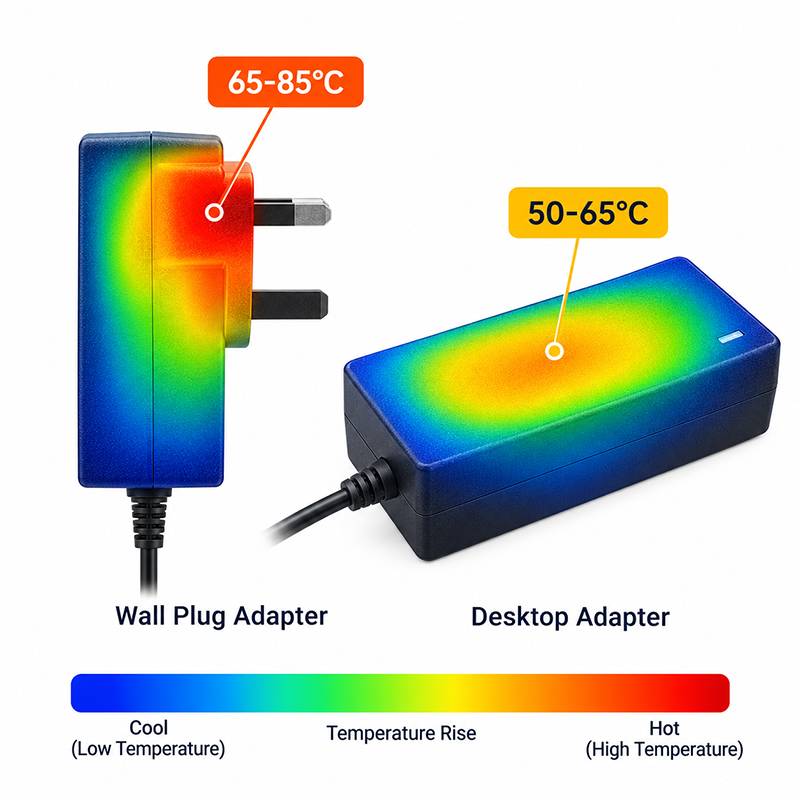
Thermal performance is the most significant differentiator between the two form factors. The wall plug adapter’s integrated design means the AC mains connector, power conversion electronics, and heat-generating components share one enclosure mounted directly on a wall outlet—which may itself dissipate heat from other connected equipment.
A 48W wall plug adapter at full load in free air at 25°C reaches a case temperature of approximately 55–65°C. Mounted in a tightly spaced power strip between two other active adapters, the same unit can reach 75–85°C. Electrolytic capacitor lifetime halves for every 10°C increase above rated temperature—a reduction from 5,000 hours at 65°C to 2,500 hours at 75°C for a typical 105°C-rated capacitor.
Desktop adapters benefit from a two-part architecture: the AC-to-DC conversion circuit resides in the separate brick, which can be positioned for optimal airflow, while the AC cable provides distance from the heat source. A typical 120W desktop adapter in an aluminum housing achieves a case temperature of 50–60°C under full load in free air, a 15–20°C advantage over a wall plug at similar power density.
Why This Matters
- In control cabinets or behind equipment racks, ambient temperatures of 35–50°C are common—wall plug adapters may exceed 85°C case temperature in these conditions.
- Thermal cycling from daily power-on/power-off accelerates solder joint fatigue and capacitor wear. Desktop adapters’ lower operating temperature reduces this effect by an estimated 2–3× in service life.
- Wall plug adapters must be derated more aggressively than desktop adapters in high-temperature environments, reducing usable capacity by 25–40% at 45°C ambient.
What OEMs Should Do Now
- Measure the actual installation temperature where the adapter will reside. If it exceeds 35°C ambient, derate wall plug adapters and consider desktop as the primary option.
- For wall plug adapters in multi-outlet installations, add 10°C internal temperature rise to the ambient measurement to account for mutual heating.
- Request the manufacturer’s thermal derating curves for both form factors at your expected operating temperature—compare usable capacity at temperature, not just nameplate rating.
Q: How much does case temperature affect capacitor lifetime in each form factor?
A: At 45°C ambient, a typical wall plug adapter’s case reaches approximately 70°C, reducing a 105°C-rated capacitor’s lifetime from 5,000 hours to approximately 3,500 hours. The same capacitor in a desktop adapter at 55°C case temperature has an expected lifetime of approximately 4,500 hours.
Q: Is it acceptable to mount a desktop adapter inside an enclosed metal control cabinet?
A: Yes, but the cabinet’s internal temperature rise (typically 10–15°C above external ambient) must be accounted for in derating. For cabinets without forced ventilation, the available output may be reduced by 30–50% compared to free-air rating.
Useful Links
What Are the Connector and Cable Flexibility Differences?
Connector options differ significantly between form factors and affect installation flexibility, global distribution logistics, and field serviceability.
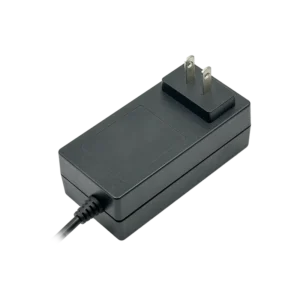
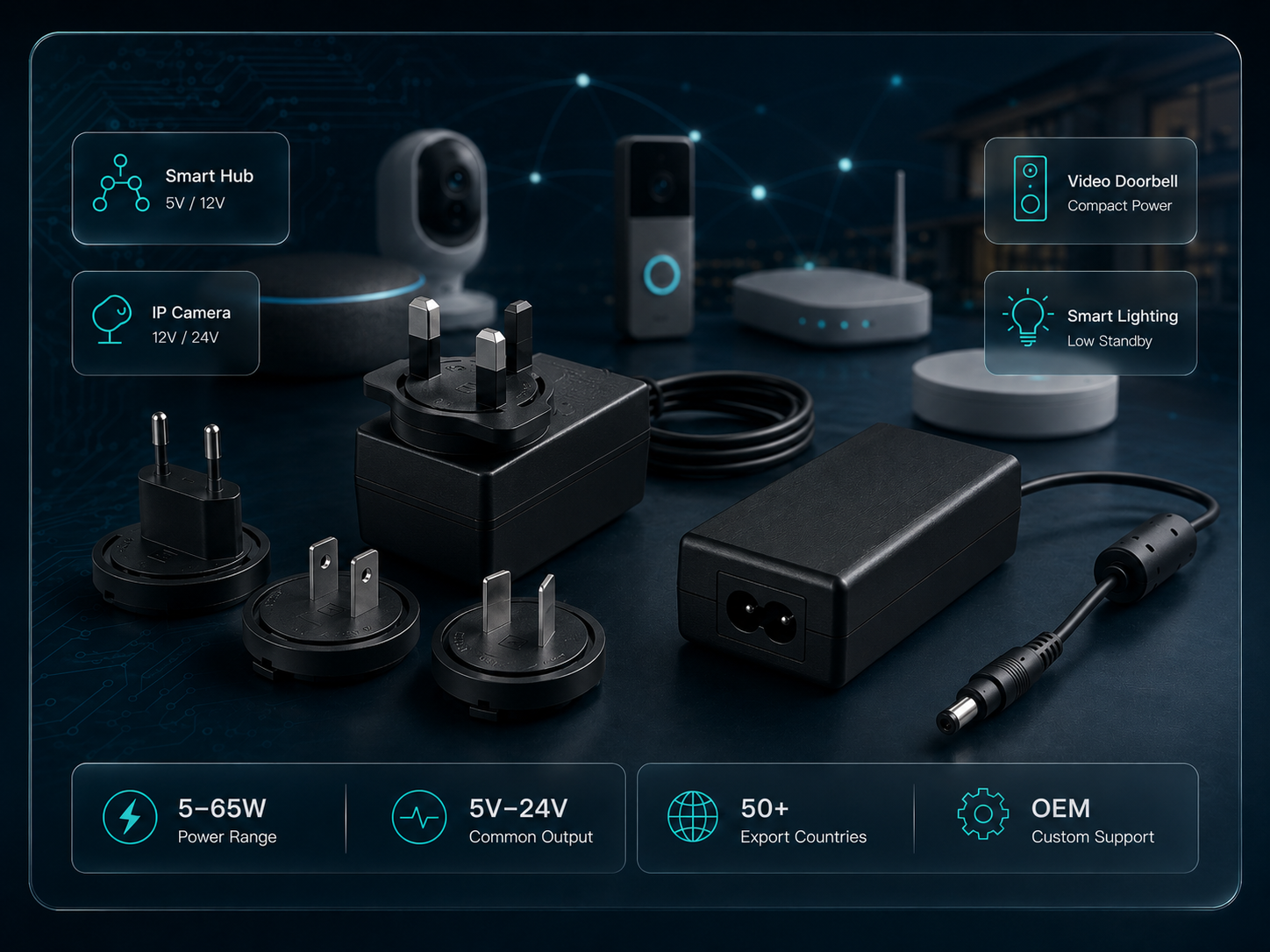
Wall plug adapters integrate the AC mains connector directly into the enclosure, available as fixed US/EU/UK blades or as interchangeable plug attachments. The DC output is typically a permanently attached cable with a barrel connector, ranging from 1.0m to 1.8m length. Fixed AC blades are mechanically more robust in high-vibration environments but require different SKUs for each market.
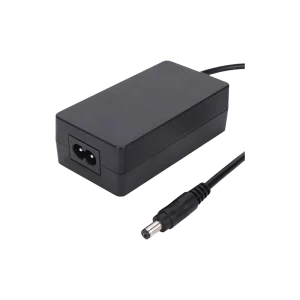
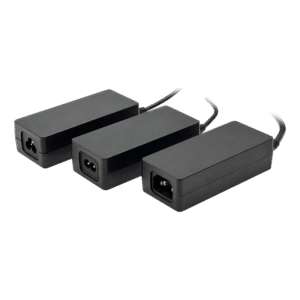
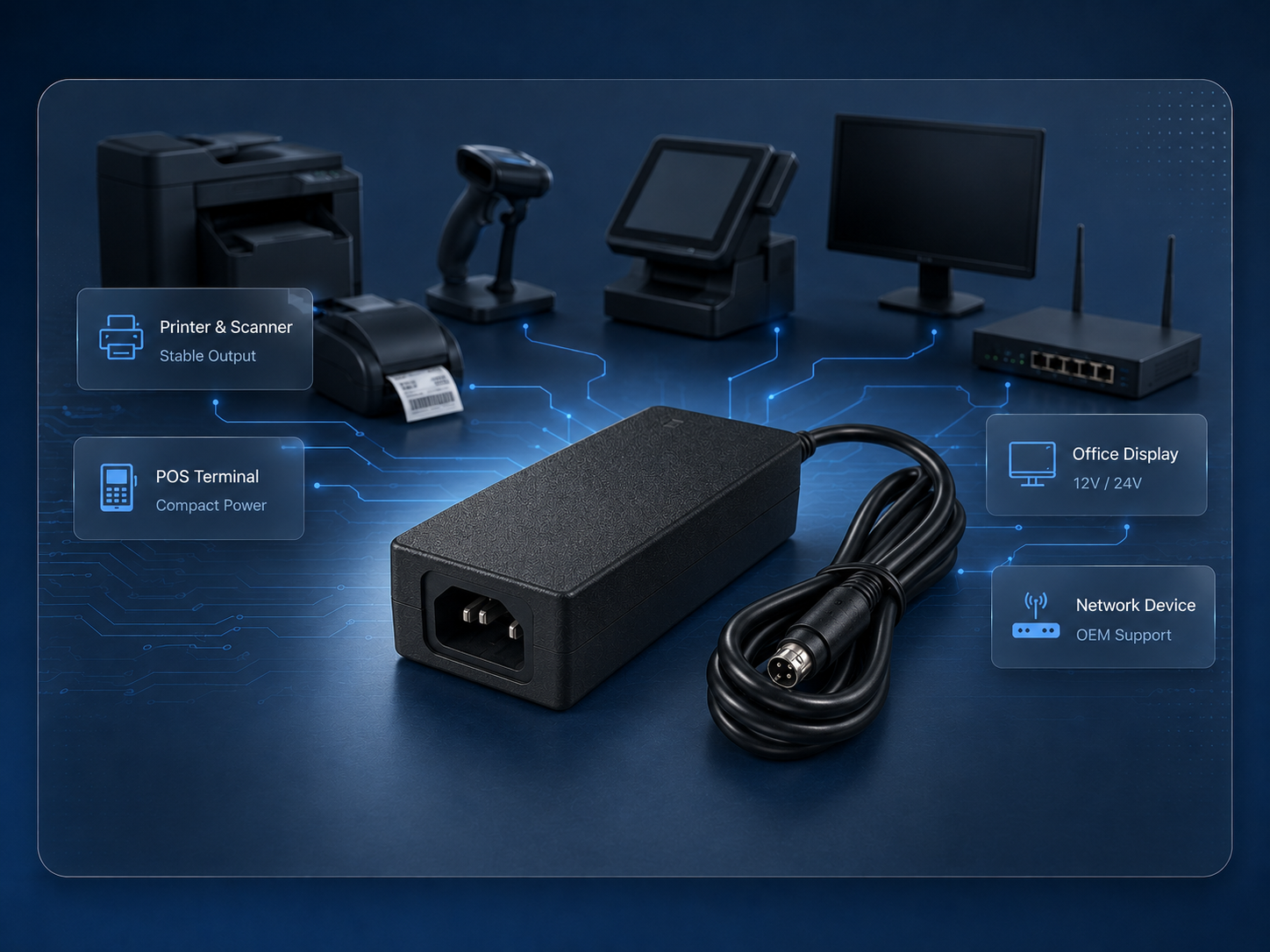
Desktop adapters separate the AC connection via an IEC C14 (3-prong, for 65W+) or C8 (2-prong, for sub-65W) inlet, accepting a standard detachable AC power cord. The DC output may be a fixed cable or a connector socket, providing flexibility to change output cable length, connector type, or orientation without modifying the adapter itself.
Common DC connector configurations:
- 5.5×2.5mm barrel: Most common, rated 5–7A
- 5.5×2.1mm barrel: Smaller standard, rated 3–5A
- 4-pin DIN: Preferred for vibration environments
- Screw terminal: Required for >7A applications
- USB-C PD: Emerging connector for mixed-signal applications up to 240W with USB PD 3.1 EPR
Why This Matters
- Fixed-cable wall plug adapters require separate SKUs for each cable length, connector type, and market, multiplying inventory and logistics complexity.
- Desktop adapters with IEC C14 inlets share standard AC cords across all markets, reducing SKU count and simplifying field replacement of damaged cables.
- Connector durability is critical for industrial applications: barrel connectors are rated for 5,000 mating cycles, while screw terminals offer unlimited cycles but require tools.
What OEMs Should Do Now
- For multi-market products with AC power, desktop adapters with IEC C14 inlets reduce inventory complexity by decoupling the adapter from the country-specific AC cord.
- Evaluate DC connector mating cycles against the product’s expected service life. For devices with >10,000 expected connect/disconnect cycles, specify locking connectors or screw terminals.
- For vibration environments (0.5G RMS or above), specify locking barrel connectors (e.g., threaded coax or latch-lock) or screw-terminal DC connections on desktop adapters.
Q: Can a wall plug adapter be used with a detachable AC cord?
A: Yes—interchangeable plug wall adapters use a snap-on lug design for country-specific AC plug heads. However, these are mechanically a single plug unit, not a separate cord. True detachable AC cords require an IEC inlet, which is only available on desktop adapters.
Q: What cable length is standard for desktop adapter DC output?
A: Standard cable length is 1.2m (4 ft), with OEM custom lengths available from 0.3m to 3.0m for most models. Minimum order quantity for custom cable lengths is typically 1,000 units.
Useful Links
→ Interchangeable Plug Adapters
→ OEM Power Supply Customization
How Do Certification Requirements Differ Between Form Factors?
The safety and EMC certification framework is largely consistent across form factors, but the certification approach and timeline can differ.
Wall plug adapters are certified as a single unit including the AC mains connector. This means certification is inseparable from the plug type. A wall plug adapter certified to UL 62368-1 with a US plug is a separate certification from an otherwise identical unit with a EU plug and CE marking. The AC blade dimensions, spacing, and mechanical construction are part of the safety evaluation.
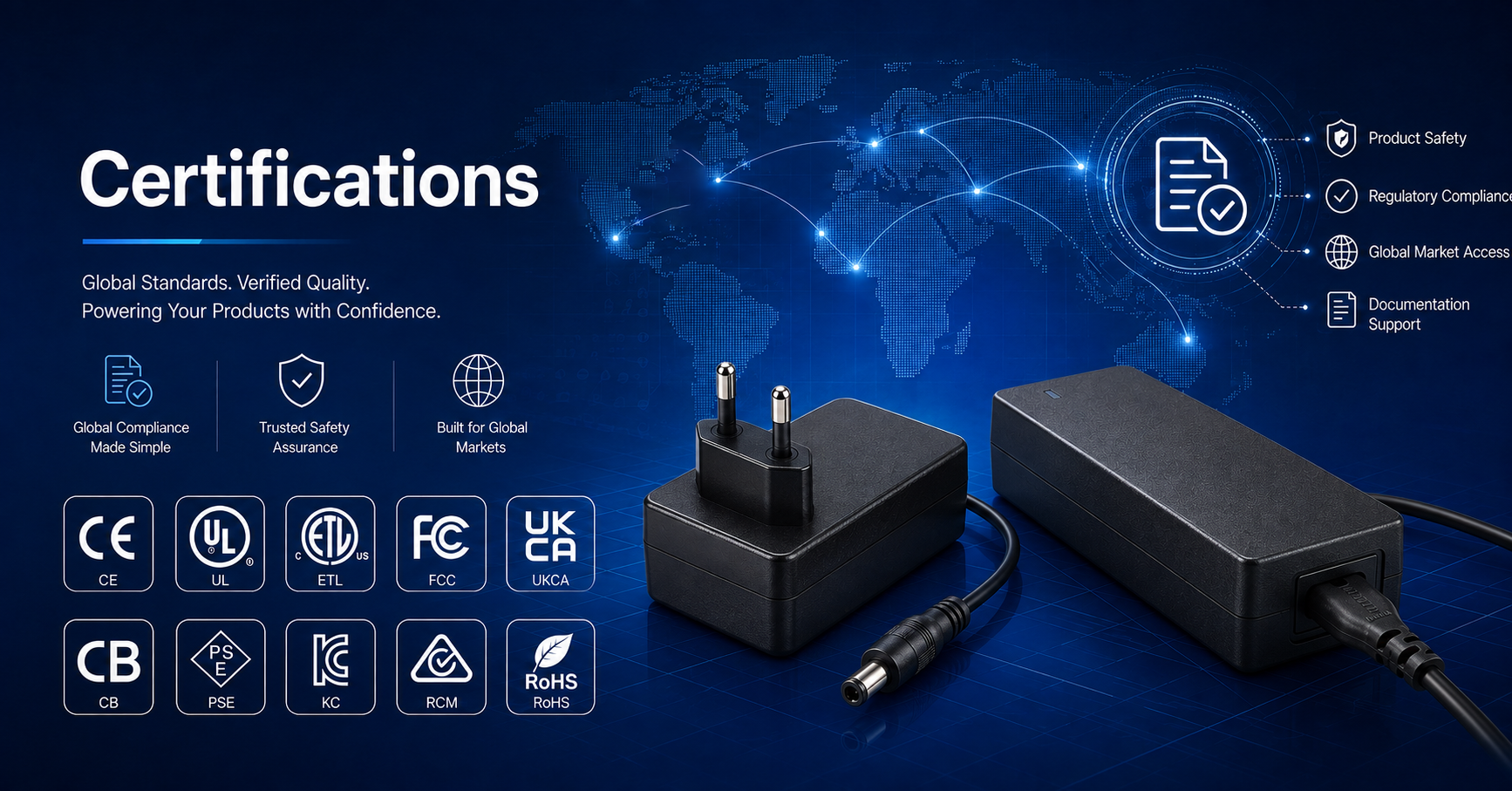
Desktop adapters with IEC C14 inlets are certified independently of the AC power cord. The certification applies to the power supply unit itself, while the AC cord carries its own certification. This decoupling allows a single desktop adapter model to be used globally by changing only the detachable AC cord, reducing certification cost and complexity.
Depending on the target market, desktop adapters also offer more flexibility in certification sequencing: the adapter can be certified to one base standard (e.g., CB IEC 62368-1) and then submitted for national deviations (UL, PSE, KC) without requiring recertification of the AC cord interface.
Why This Matters
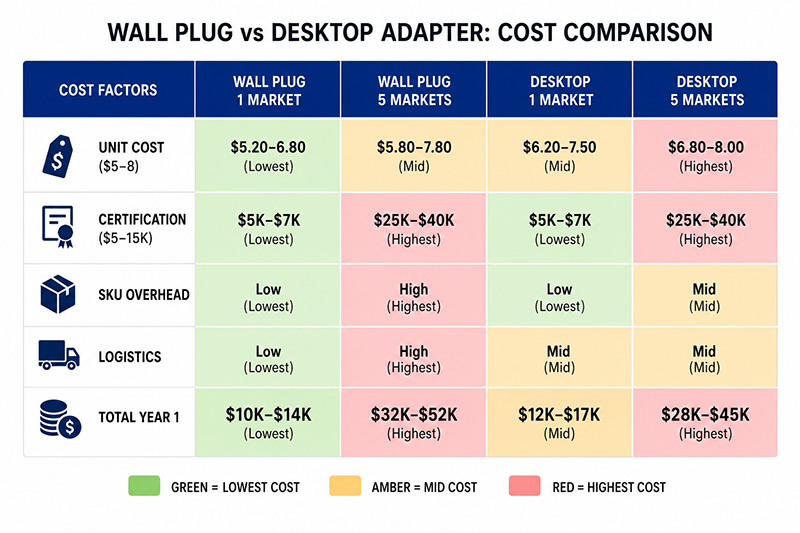
- For a product targeting 5 markets, wall plug adapters require approximately 5 certifications. A desktop adapter may require only 2 (base standard plus AC cord safety).
- Certification cost per model typically ranges from $3,000–$15,000 depending on the standard and testing laboratory. Desktop adapters can reduce this cost by 40–60% for multi-market products.
- Certification lead time for wall plug adapters can be longer for markets requiring in-country testing (China CCC, India BIS) because the plug geometry must be tested with the adapter.
What OEMs Should Do Now
- Count the number of target sales markets. If targeting 3+ markets, evaluate desktop adapters with IEC C14 inlets for certification efficiency.
- Request a certification matrix from potential suppliers showing which certifications are available on each model and model family, not just the manufacturer name.
- For desktop adapters with CB certification, check that the CB certificate includes the national deviation pages for your target markets to simplify local certification.
Q: Can a wall plug adapter share certification across markets with different plugs?
A: Only if the adaptive portion (interchangeable plug head) is recognized as a detachable component by the safety standard. Interchangeable plug adapters certified under IEC 62368-1 Annex A or equivalent can accept country-specific plug heads while maintaining certification, but this requires the plug head itself to be separately certified.
Q: Is FCC compliance different between wall plug and desktop adapters?
A: No—FCC Part 15 Class B radiated and conducted emissions limits are the same for both form factors. However, the physical layout and shielding effectiveness can differ, so each form factor variant typically requires separate emissions testing.
What Are the Cost and Supply Chain Implications?
Total cost of ownership for power adapters includes not only the unit price but also certification costs, inventory holding, logistics, and field replacement expenses.
Desktop adapters have a higher unit cost at the same power level—typically 15–30% more than an equivalent wall plug adapter due to additional enclosure materials, AC inlet hardware, and separate AC cord. However, for multi-market products, the total cost advantage shifts to desktop adapters when accounting for reduced certification, SKU count, and logistics overhead.
A wall plug adapter for a single-market product at 48W carries approximately $4–8 unit cost at 1,000-piece quantity. The same product in desktop form factor costs approximately $5–10. However, expanding to 5 markets with wall plug adapters requires 5 SKUs at $4–8 each, while a single desktop adapter model with 5 AC cord types costs $5–10 plus $0.50–1.50 per AC cord.
Warehouse footprint: wall plug adapters require approximately 40–60% less storage volume than desktop adapters (no AC cord, smaller enclosure). This affects shipping cost and the product’s retail packaging dimensions.
Why This Matters
- Single-market, low-power products (under 65W) favor wall plug adapters on total cost.
- Multi-market products favor desktop adapters above 48W due to certification and inventory consolidation savings.
- Field replacement cost is typically lower for desktop adapters because a damaged AC cord costs $1–3 to replace versus replacing the entire wall plug adapter.
What OEMs Should Do Now
- Calculate total cost across 2 years, not unit price: include certification costs amortized across estimated volume, additional SKU carrying costs (typically 15–25% of unit value annually), and estimated field replacement rate (1–3% is typical).
- For initial production runs of 500–2,000 units, prioritize form factors that minimize SKU complexity and certification timeline.
- Request lead times for both form factors: desktop adapters with IEC C14 inlets typically have 4–6 week lead time, while wall plug adapters may have 2–4 week lead time for standard models.
Q: What is the break-even point where desktop adapters become more cost-effective than wall plug for multi-market products?
A: For a 48–65W product targeting 3+ markets with 5,000+ annual quantity, desktop adapters typically break even or become more cost-effective within 12 months, driven by certification cost amortization and reduced SKU overhead.
Q: Are interchangeable plug adapters a cost-effective middle ground?
A: Yes. Interchangeable plug adapters (wall plug with swappable AC blade inserts) provide a single SKU for all markets at a unit cost premium of approximately $1–3 over fixed-plug wall adapters. The certification approach requires the plug heads to be certified components.
CONCLUSION
The wall plug vs desktop adapter decision comes down to power level, thermal environment, market scope, and supply chain complexity. Wall plug adapters are the recommended form factor for single-market sub-65W applications where thermal conditions are moderate. Desktop adapters are the preferred form factor for higher-power systems, elevated-temperature environments, multi-market distribution, and applications requiring connector flexibility or vibration-resistant DC connections.
For OEM teams evaluating adapter form factors for a new product design or existing product revision, YHYadapter offers both wall plug (5W–65W) and desktop adapter (12W–300W) product lines, with UL, CE, FCC, and additional certifications available by model across both form factors.
Related Resources
🔌 Related Products
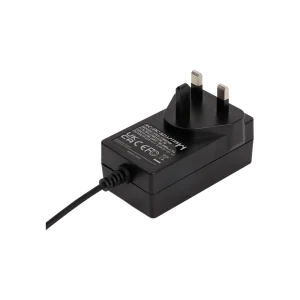
36W 12V 3A Wall Plug Adapter
36W 12V wall plug adapter, compact direct-plug form factor
🏭 Related Applications
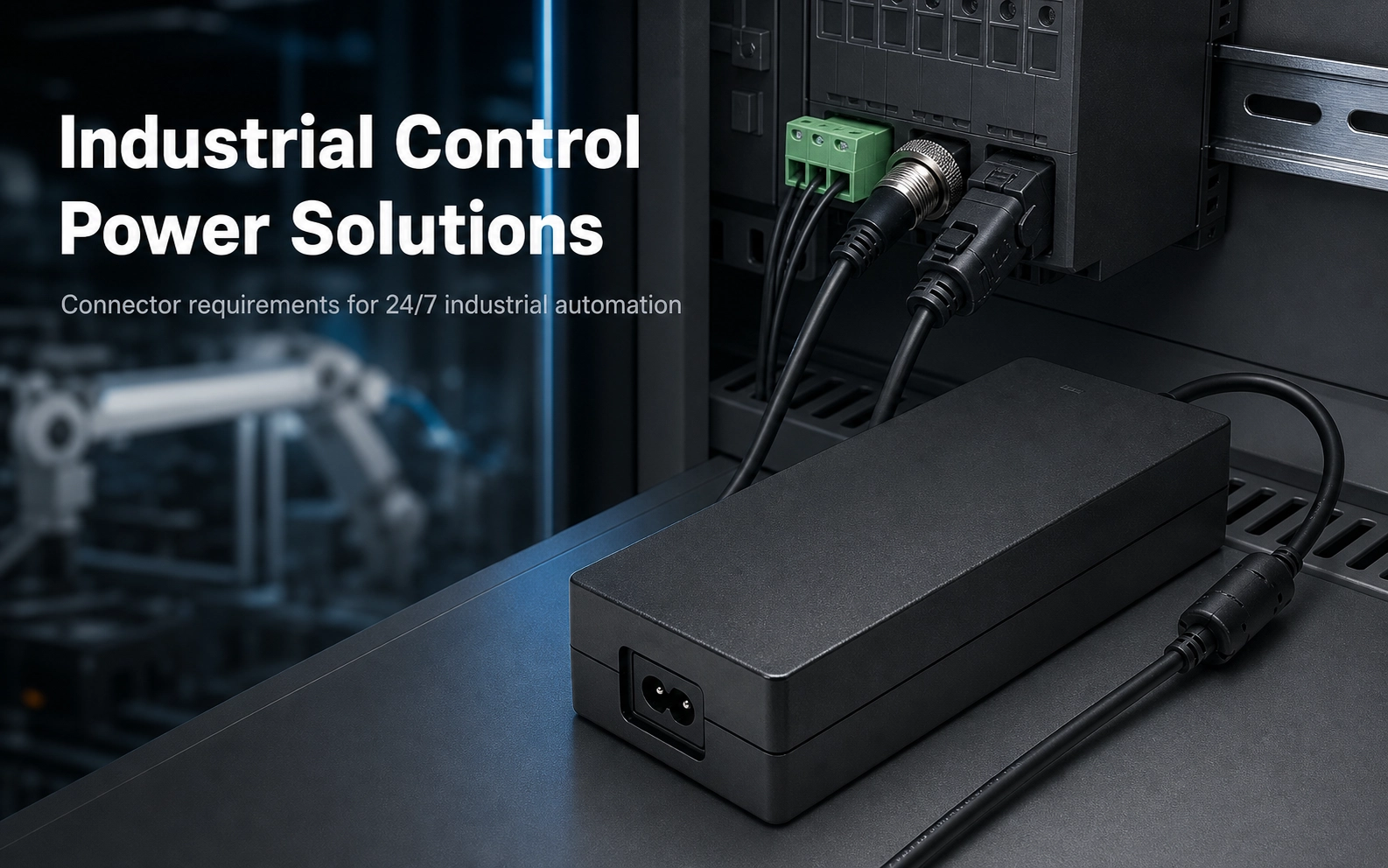
Industrial Control Power Solutions
Power solutions for PLC, CNC, servo and automation equipment
📖 Related Guides
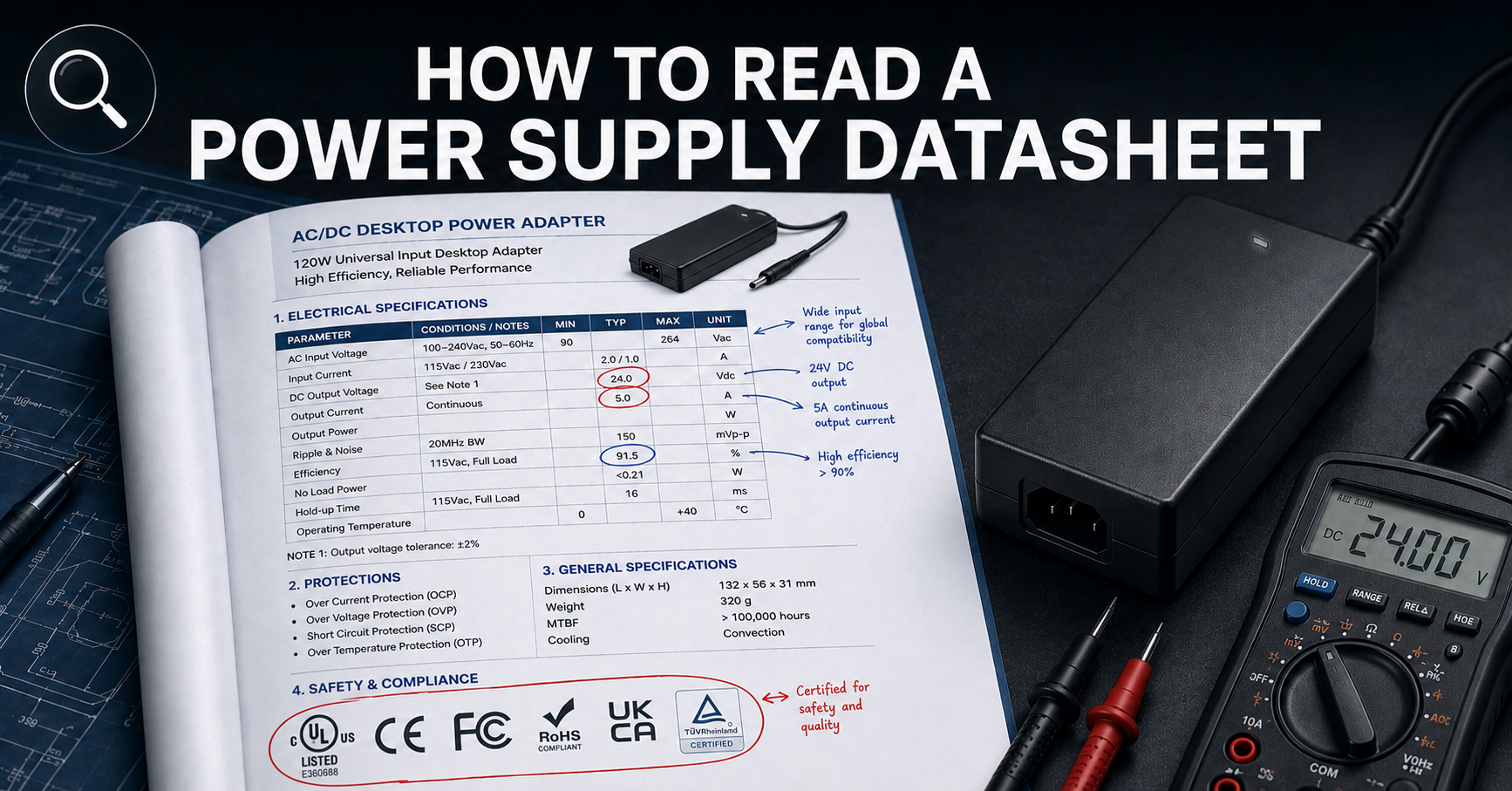
How to Read a Power Supply Datasheet
Learn how to evaluate connector specifications in a datasheet — current ratings, derating curves, certification verification.
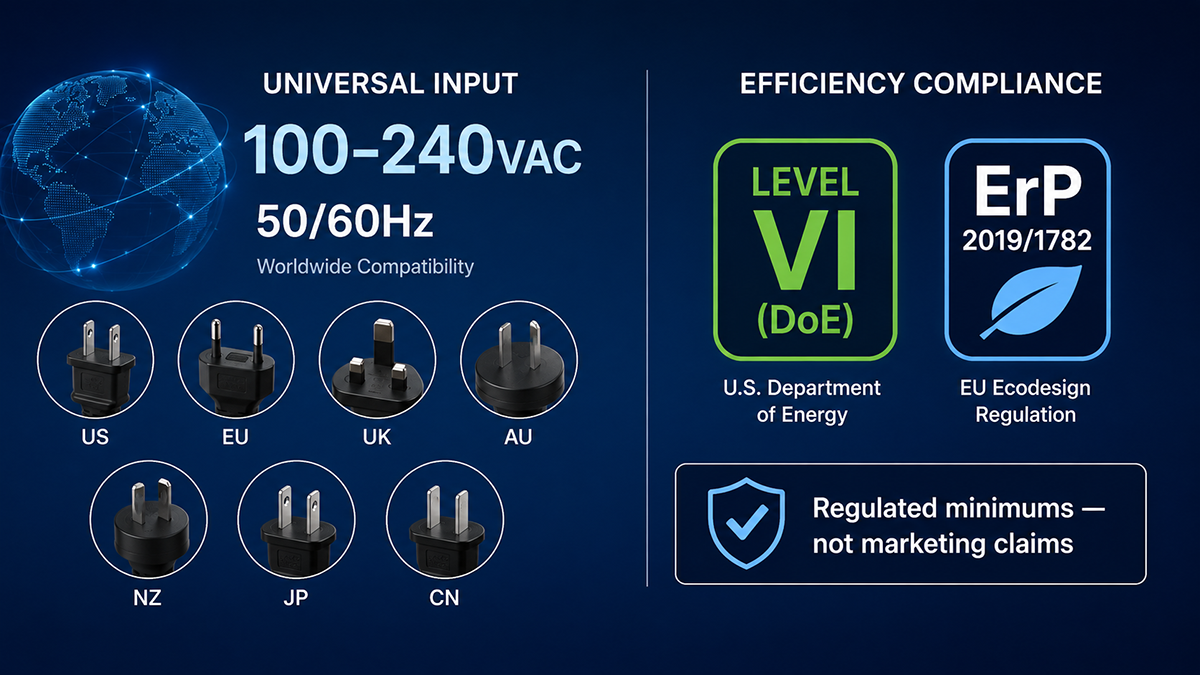
Power Supply Efficiency Ratings
Understand how connector resistance and voltage drop affect overall system efficiency and thermal performance.

✅ Related Certifications
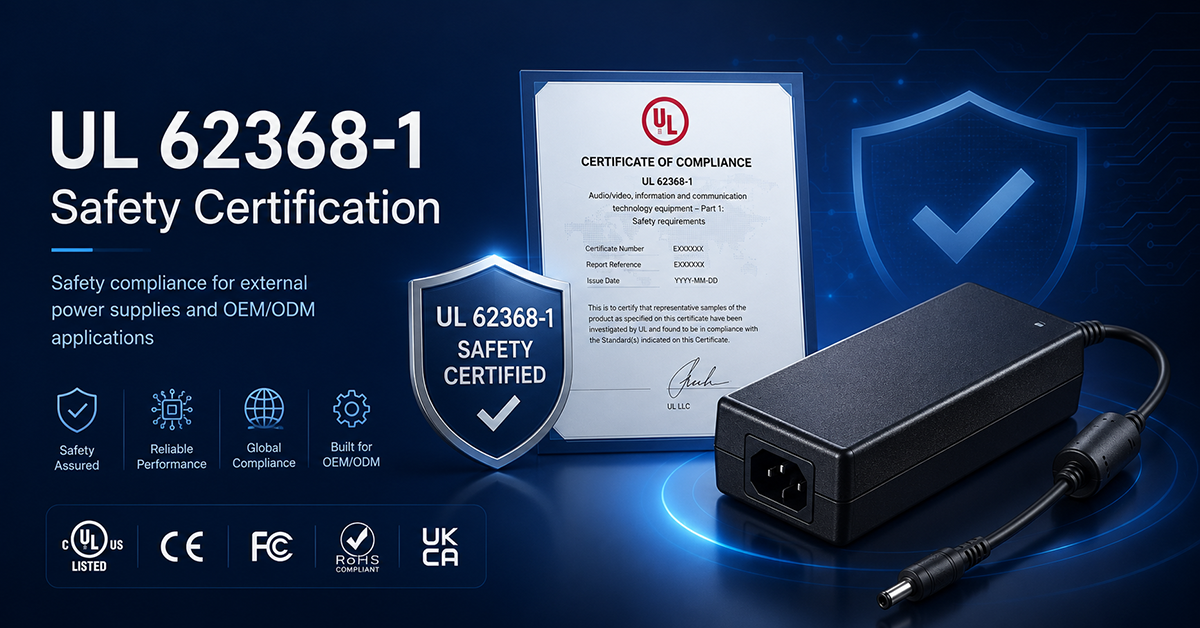
UL 62368-1 Safety Certification
Safety standard covering connector creepage/clearance, temperature rise, and strain relief requirements for IT/AV equipment power adapters.