
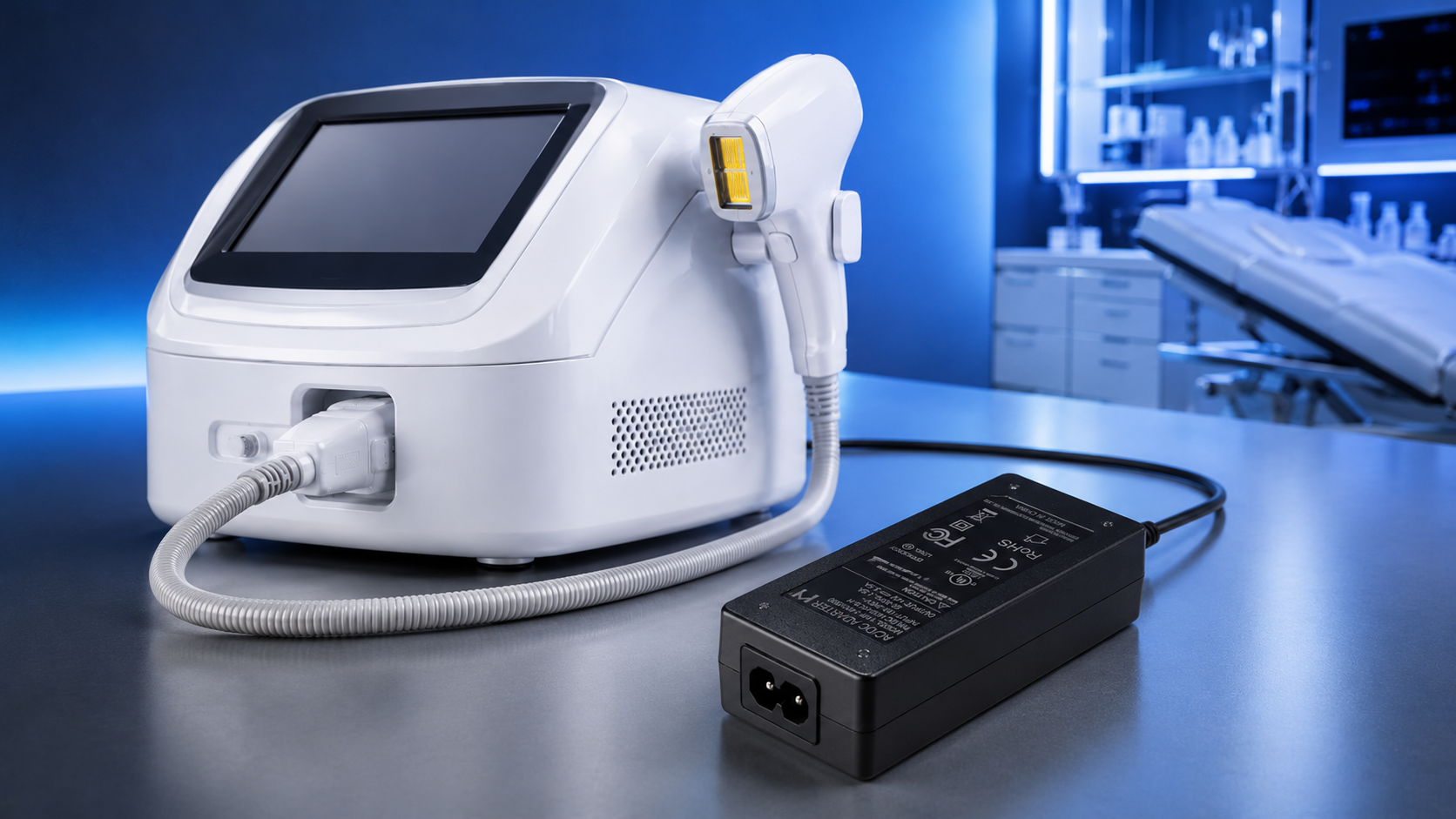
Selecting a power adapter for a medical aesthetic device is different from selecting one for industrial, consumer, or IT equipment. For devices classified as medical electrical equipment, the adapter must meet IEC 60601-1 certification requirements for patient safety, provide stable output for precision energy delivery systems, and fit within the device’s thermal and mechanical constraints—all while remaining cost-effective for OEM production. Classification varies by device type, intended use, and target market, so the medical-grade requirement should be confirmed early with your certification body.
This selection guide provides a systematic decision framework for product designers, sourcing managers, and engineering teams at aesthetic device OEMs. It covers the six essential criteria: certification verification, leakage current evaluation, output power and voltage matching, form factor selection, thermal design integration, and documentation requirements.
Criterion 1 — Verify IEC 60601-1 Certification (Model-Specific)
The first and most critical selection criterion is verification that the specific adapter model carries current IEC 60601-1 Edition 3.1 certification. This is not a line-item check on a datasheet—it requires document-level verification.
| Verification Step | What to Check | Red Flag |
|---|---|---|
| Model number match | Certificate model = product label model | Different model numbers |
| Standard edition | IEC 60601-1 Edition 3.1 (2012 + A1) | Edition 2-only certification |
| Patient contact type | Listed as suitable for BF or CF equipment | “B only” or unspecified |
| Leakage current | ≤100µA patient leakage (normal condition) | >100µA or “complies” without numeric data |
| National deviations | Covers EU, US, Canada, AU, JP, KR (per your markets) | Missing key deviations |
| Certificate validity | Current, unexpired certificate | Expired or “under renewal” |
Why This Matters
- 30–40% of first-time beauty device submissions have incomplete adapter certification documentation, per notified body reports
- Certification verification eliminates wasted engineering time evaluating adapters that will not pass regulatory review
- The six-point check takes approximately 2 hours per adapter candidate—a small investment compared to 4–8 weeks of schedule delay
- Create a certification verification template based on the six-point check above and apply it to every adapter candidate
- Request certification documents in the initial supplier inquiry, not after narrowing candidates—this filters suppliers early
- Keep a log of verification results per model for future device projects
Useful Links
Related article: IEC 60601-1 Certification Guide →
Certification page: Global Certifications Overview →
Q: Can I trust a manufacturer’s website that says “IEC 60601-1 certified” for their product line?
A: No. Marketing materials often reference product-line certification. You must verify the specific model number against a CB certificate or notified body report. A manufacturer that cannot provide model-specific documentation within 5 business days should be deprioritized.
Q: Does an adapter with Edition 2 certification still work for a new device submission?
A: Most notified bodies now require Edition 3.1 for new submissions. Edition 2 is being phased out globally. If submitting for the EU under MDR, Edition 3.1 is required. Edition 2-only adapters should be eliminated.
Criterion 2 — Evaluate Leakage Current Performance
Leakage current is the primary electrical safety parameter for medical aesthetic devices, and it determines the adapter’s suitability for patient-contact applications. The evaluation should go beyond the “≤100µA” datasheet specification to understand the adapter’s actual measured performance across operating conditions.
What to request from the manufacturer:
- Leakage current test report showing earth leakage, enclosure leakage, and patient leakage at nominal and 110% rated voltage
- Results for both normal and single-fault conditions
- Test conditions specified: input voltage, frequency, output load, and ambient temperature
Interpreting the data:
- An adapter measuring 30–50µA earth leakage at nominal voltage provides excellent design margin
- An adapter measuring 70–90µA earth leakage provides minimal headroom for the device’s internal circuitry
- Patient leakage under single-fault conditions should be well below the 500µA limit—preferably ≤250µA
- Leakage current typically increases by 15–25% at 110% of rated voltage—design for this
| Leakage Performance | Earth Leakage (Typical) | Design Margin | Recommendation |
|---|---|---|---|
| Excellent | 30–50µA | High (50–70µA headroom) | Preferred |
| Acceptable | 50–70µA | Moderate (30–50µA headroom) | Acceptable with margin analysis |
| Marginal | 70–90µA | Low (10–30µA headroom) | Use only with very simple device circuits |
| Fail | >100µA | None | Reject — exceeds BF limit |
Why This Matters
- Leakage current headroom directly affects the complexity of the device’s internal circuitry—less headroom means more design constraints on filtering and isolation
- Adapters with 30–50µA leakage are typically built with higher-quality transformers and Y-capacitors, reflecting overall design quality
- Margins are tightest at 100VAC low-line operation, where the input current is highest—verify leakage at the lowest mains voltage your device will encounter
- Establish a leakage current budget during the specification phase: adapter contribution + internal circuitry ≤ 80µA (leaving 20% margin below the 100µA limit)
- Request leakage current data at your device’s lowest operating input voltage, as leakage typically increases under low-line conditions
- If the adapter will be used across multiple device models, select the lowest-leakage adapter in the product line to maximize design flexibility
Useful Links
Product page: YHY-12005000 Medical Desktop Adapter →
Related article: IEC 60601-1 Certification Guide →
Q: Does a lower leakage current always mean a better adapter?
A: Generally yes for medical aesthetic applications, but there is a trade-off. Lower leakage current typically requires larger Y-capacitors and additional transformer shielding, which increases adapter size and cost by 15–30%. The goal is to achieve ≤50µA for reasonable design margin, not single-digit microamps, which is unnecessary for BF-type equipment.
Q: How does output cable length affect leakage current measurement?
A: Longer output cables increase capacitive coupling between the cable and external surfaces, which can increase enclosure leakage current by 5–15µA per meter. Specify the cable length in your device specification and request leakage data for that configuration.
Criterion 3 — Match Output Power and Voltage to Device Requirements
The power adapter’s output rating must match the aesthetic device’s power requirements with appropriate margins. Unlike continuous-load applications (monitors, controllers), many aesthetic devices draw power in pulsed or variable loads, requiring careful analysis of the power profile.
Selection methodology: 1. Calculate the device’s maximum continuous power draw, including all subsystems 2. For pulsed-power devices (IPL, laser), calculate the average power over the charge-discharge cycle 3. Apply a 20–30% derating margin above the calculated average power 4. Verify the adapter can deliver peak current without output voltage droop exceeding the device’s tolerance
Standard adapter power levels for common aesthetic applications:
| Device Type | Typical Power | Recommended Adapter | Notes |
|---|---|---|---|
| Home-use IPL | 65–100W | Medical-grade options by model (≤65W: e.g., YHY-12005000, YHY-24002500) | Wall-plug or compact desktop |
| Professional IPL | 150–240W | Available by model — confirm IEC 60601-1 coverage with engineering | Desktop form factor required |
| RF skin tightening | 100–200W | Available by model | Thermal margin critical |
| Diode laser (portable) | 150–200W | Available by model | High peak current capability |
| LED phototherapy panel | 36–100W | Medical-grade options by model (e.g., YHY-12005000 12V/5A, YHY-24002500 24V/2.5A) | Continuous load, lower margin |
| Microcurrent facial | 12–36W | Medical-grade options by model | Low power, compact preferred |
Why This Matters
- Under-specifying power (insufficient margin) causes voltage droop during peak loads, reducing treatment consistency
- Over-specifying power (excessive margin) adds 15–25% to adapter cost and 20–40% to physical volume without functional benefit
- The 20–30% derating margin accounts for: component aging (electrolytic capacitor ESR increase), ambient temperature derating (5–15% reduction at 40–50°C), and manufacturing tolerance
- Create a device power budget table listing each subsystem’s power draw and total system requirement
- Measure the actual power profile (average and peak) of a prototype with an oscilloscope or power analyzer—datasheet estimates are often optimistic
- Confirm with the adapter manufacturer that the adapter’s output is stable under the specific load profile of your device (pulsed for IPL/laser, variable for RF)
Useful Links
Product page: YHY-12005000 Medical Desktop Adapter →
Related article: IPL Power Supply Guide →
Q: Can I use a 240W-rated adapter for a device that requires only 150W average?
A: Yes, but consider the trade-off. A 240W adapter is physically larger, heavier, and more expensive than a 150W adapter. The additional thermal dissipation (at 88% efficiency, 240W = 29W of heat vs 150W = 18W for a 150W adapter) must be managed. Use the adapter’s efficiency curve to evaluate the actual system cost and thermal impact at your operating point.
Q: Is there a standard output voltage for medical aesthetic adapters?
A: 24VDC is the most common standard output voltage in medical-certified adapters, supported by the broadest range of models and manufacturers. 12V, 36V, and 48V are available but with fewer model options. If you require a non-standard voltage, confirm availability and certification status before starting design.
Criterion 4 — Select the Appropriate Form Factor
Medical aesthetic devices use two primary adapter form factors: desktop and wall-plug. The choice depends on the device’s power requirement, usage environment, and industrial design constraints.
| Form Factor | Power Range | Weight | Thermal | Best For |
|---|---|---|---|---|
| Wall-plug (medical series, ≤65W confirmed) | 12–65W | 100–200g | 70–85°C case temp | Home-use, compact, low-power |
| Desktop (medical series; higher-power models available by model) | 18–240W | 250–900g | 55–65°C case temp | Professional, high-power, clinic use |
- Lower operating temperature extends component life (105°C-rated capacitors last approximately 2× longer at 65°C than at 85°C)
- Greater surface area enables natural convection cooling without fans
- Physical separation from the wall outlet eliminates the weight-on-outlet concern
- Cable management options (detachable IEC cord on input side, strain relief on output)
Why This Matters
- Form factor affects more than physical fit—it determines thermal performance, cable routing, and user experience
- Desktop adapters are virtually the only option for professional IPL/laser devices above 100W due to thermal constraints of wall-plug designs
- The connector type specification should be determined early, as changing it after certification requires recertification testing
- Determine the form factor requirement based on power level: >100W → desktop only; <65W → consider both; 65–100W → evaluate thermal derating carefully for wall-plug
- Measure the available space in the device’s packaging and at the end-user installation (clinic counter, home environment)
- Specify the connector type and cable length in the adapter specification—these affect EMC performance and user experience
Useful Links
Product page: YHY-12005000 Medical Desktop Adapter →
Related article: Power Supply Thermal Management →
Q: Can a desktop adapter be mounted under a clinic counter out of sight?
A: Yes, but with thermal considerations. A desktop adapter mounted in an enclosed space (under-counter cabinet) may experience 5–15°C higher ambient temperature than open-air placement. Verify the adapter’s derating curve for the expected enclosed ambient temperature and provide adequate ventilation openings.
Q: Is there a reliability difference between wall-plug and desktop adapters?
A: Desktop adapters generally have better long-term reliability in continuous-use applications because their lower operating temperature reduces electrolytic capacitor aging. A desktop adapter at 60°C case temperature has an expected lifespan approximately twice that of a wall-plug adapter at 80°C case temperature, assuming the same capacitor grade and quality.
Criterion 5 — Evaluate Thermal and Environmental Integration
The adapter’s thermal performance under the device’s specific operating conditions must be evaluated before final selection, as derating curves vary significantly between models and manufacturers.
Thermal evaluation checklist:
- Request the derating curve: output power vs. ambient temperature (25°C to 50°C+)
- Determine the maximum ambient temperature at the adapter installation location
- Apply the derating factor: a 150W adapter may deliver only 120W at 50°C ambient
- Verify the adapter’s expected case temperature at your operating point—user touch temperature is limited to approximately 60°C for accessible metal parts per IEC 60601-1 (Clause 11.1.2.1)
- Evaluate the adapter in the intended orientation: desktop adapters have different natural convection patterns when horizontal vs. vertical
Environmental factors for medical aesthetic settings:
- Clinical environments: 20–28°C, controlled humidity, clean air
- Salon environments: 22–35°C, higher humidity, potential for aerosol products
- Home-use environments: 10–40°C, uncontrolled humidity, varied installation surfaces
- Mobile/portable use: vibration, transport shocks, temperature cycling
For adapters used in professional clinical or salon environments, the derating performance at 35–40°C is the most relevant specification. An adapter that delivers full rated power at 25°C but drops to 80% at 40°C may be undersized for your application.
Why This Matters
- Thermal derating is the most commonly overlooked specification in adapter selection—a 200W adapter operating at 200W in a 40°C salon environment may overheat and enter thermal protection
- Operating an adapter beyond its derated capacity shortens lifespan: every 10°C above rated temperature halves electrolytic capacitor life
- Touch temperature limits may require derating even when the adapter’s internal components are within limits—especially for wall-plug adapters in warm environments
What OEMs Should Do Now
- Include a thermal design margin calculation in your adapter specification: required power / derating factor at expected ambient = minimum adapter rating
- Measure the actual adapter case temperature in a thermal chamber at the device’s maximum operating ambient temperature during prototype testing
- For salon and clinic applications, budget for an adapter rating 20–30% above the calculated requirement to provide thermal margin
Useful Links
Related article: Power Supply Thermal Management →
Product page: YHY-12005000 Medical Desktop Adapter →
Q: What happens if the adapter operates above its rated temperature?
A: Most medical adapters include thermal protection that reduces output power (current limiting) or shuts down entirely (thermal latch-off) when internal temperature exceeds the design threshold. This causes the aesthetic device to stop operating during treatment, which is a critical failure for a medical device. Proper thermal margin prevents this.
Q: Does the adapter need a minimum airflow for cooling?
A: Most medical desktop adapters use natural convection cooling and have a specified minimum surface area exposure requirement. The datasheet typically states the derating condition “mounted on a flat surface with free air flow.” Enclosed or stacked adapter placement degrades cooling—verify with the manufacturer’s thermal application note.
Criterion 6 — Plan Documentation and Certification Support
The final selection criterion involves the adapter manufacturer’s ability to support the device’s certification process with documentation and engineering support. Not all medical adapter suppliers provide the same level of support, and this can significantly affect the device’s certification timeline.
| Support Level | Documentation Provided | Certification Support | Supplier Priority |
|---|---|---|---|
| Full support | All test reports + certifications + declarations | CB report review support, notified body Q&A | Preferred |
| Standard support | CB certificate + basic test reports | Responds to certification questions within 1 week | Acceptable |
| Minimal support | CB certificate only | No certification support | Deprioritize |
| No support | “Refer to our website” | None | Eliminate |
- Provide CB test reports with all national deviation pages
- Offer pre-submission review of the adapter documentation package
- Respond to notified body technical questions within 3–5 business days
- Provide engineering support for integration questions
- Maintain current certification renewals and notify OEMs of changes
Why This Matters
- A manufacturer that cannot provide model-specific certification documents or responds slowly to certification inquiries will delay your device’s regulatory submission
- Documentation gaps identified during notified body review require re-engagement with the supplier, adding 2–4 weeks per gap
- Supplier documentation support is a proxy for the manufacturer’s regulatory maturity and the quality of their certification processes
- Request the full documentation package during initial supplier evaluation and assess responsiveness—this is a data point on their support quality
- Include documentation support in the supplier qualification criteria, not just price and lead time
- Establish a relationship with the manufacturer’s regulatory contact, not just the sales representative, for certification-related communications
Useful Links
CTA: Discuss Your Requirements with Our Engineering Team →
Related article: IEC 60601-1 Certification Guide →
Q: Should I pay a premium for a manufacturer that offers certification support?
A: Generally yes, for the first project. The cost of a 4-week certification delay caused by incomplete or unsupported documentation ($10,000–25,000 in project costs + lost market revenue) typically exceeds the 10–15% premium a full-support manufacturer charges over a minimal-support alternative.
Q: Can a distributor provide certification support that the adapter manufacturer does not?
A: Distributors can pass through documentation but cannot provide engineering-level certification support for the manufacturer’s products. Technical questions from notified bodies must be answered by the manufacturer’s certification engineer. Verify the manufacturer’s direct support capability before relying on a distributor.
Conclusion
Choosing a power adapter for a medical aesthetic device is a six-criteria decision process: certification verification (model-specific IEC 60601-1 Edition 3.1), leakage current evaluation (≤50µA preferred for design margin), power output matching (calculated average + 20–30% margin), form factor selection (desktop for >100W, wall-plug for <65W), thermal integration (derating at clinic/salon ambient temperatures), and manufacturer documentation support (full certification package).
By applying these criteria systematically, aesthetic device OEMs select an adapter that passes regulatory review the first time, operates reliably in the target clinical or home environment, and integrates with the device’s electrical and mechanical design without late-stage surprises.